Exava Keynote Template: Crafting Visual Stories with Clarity
You know that feeling when you open a blank presentation file, and the cursor just blinks at you? It's a mix of possibility and pressure. You have a great idea, a solid business plan, or a compelling story to tell, but the visual framework feels like a hurdle. The last thing you want is to spend hours wrestling with layouts, color palettes, and alignment tools, only to end up with something that looks… fine. But "fine" doesn't capture attention. "Fine" doesn't make your audience lean in. This is where a thoughtfully designed toolkit like the Exava Keynote Template shifts the entire experience from frustrating to fluid.
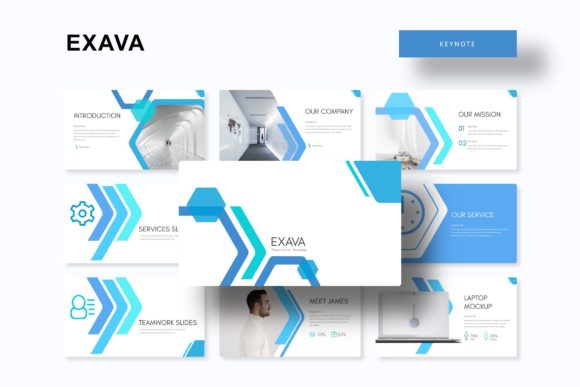
Think of Exava not as a rigid, pre-made slideshow, but as a visual language system for your ideas. With over 150 slides organized into five distinct color themes, it offers a foundational vocabulary. Each of the five premade color variations provides 30 carefully constructed slides, giving you a cohesive starting point that already feels intentional and polished. This isn't about plugging in your content and hoping for the best; it's about having a professional structure that adapts to your message, whether you're pitching investors, educating a team, or showcasing a portfolio.
Beyond Bullet Points: The Power of Structured Storytelling
A common pitfall in presentations is treating slides as teleprompters. Exava’s layout philosophy encourages a different approach. The inclusion of dedicated section break slides is a subtle but powerful feature. These aren't just dividers; they act as visual punctuation, giving your audience a moment to absorb key points and signaling a shift in the narrative. Paired with handcrafted infographics, you can transform complex data or processes into clear, engaging visual stories. Instead of describing a workflow, you can show it. Instead of listing statistics, you can visualize their impact. This shift from telling to showing is where audience engagement truly begins.
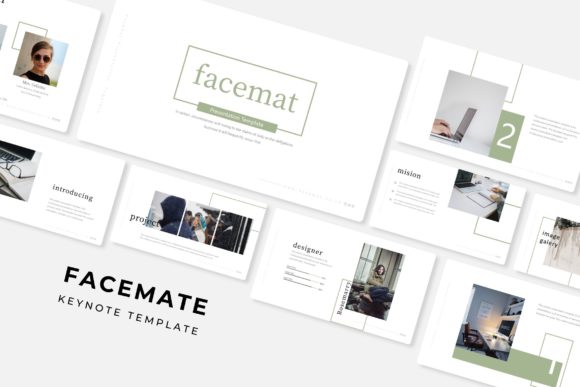
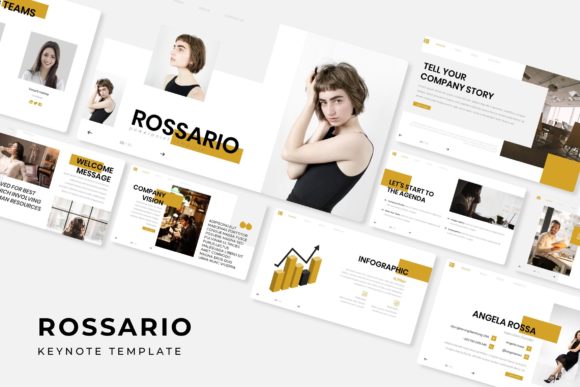
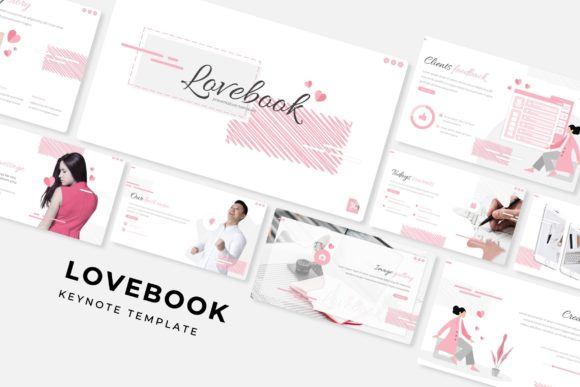
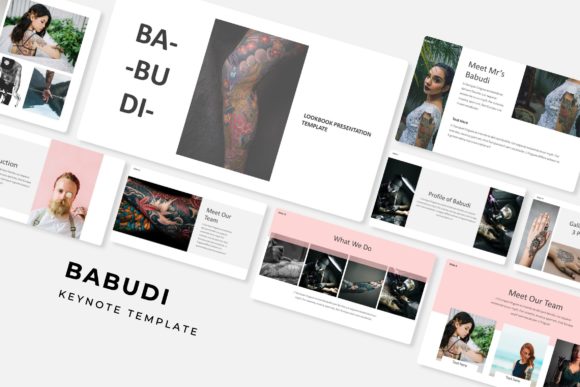
The template’s design assets extend further with gallery and portfolio slides. For a creative professional, designer, or small business owner, this is where your work gets the spotlight it deserves. These layouts are built to let your visuals breathe, using picture placeholders that are both resizable and editable. The drag-and-drop functionality, built on master slides, means you can update imagery without accidentally misaligning text boxes or breaking the overall design grid. This pixel-perfect foundation ensures that your presentation looks sharp and professional, reflecting the quality of the work you’re presenting.
Practical Application: From Internal Meetings to Public Stages
So, how does this translate to your daily work? Consider the entrepreneur preparing a keynote for a conference. The five premade color themes allow you to quickly align the presentation with your brand's primary palette or choose a variation that suits the event's tone. The 150+ slides provide ample room to build a comprehensive story arc: an engaging title slide, an agenda via section breaks, data-rich infographics, a portfolio showcase, and a clear call-to-action.
For a marketing team, the value lies in consistency and speed. Need to create a series of training modules or a client report? The master slide system ensures every deck you produce maintains brand consistency—correct fonts, colors, and spacing are already baked in. You're not starting from zero each time, which saves hours and prevents brand drift. The included readme file and font download link are small but critical details, removing the guesswork about licensing and ensuring you can use the assets seamlessly in commercial projects.
Even for personal projects, the structure is liberating. A hobbyist creating a tutorial for a craft community, a blogger designing a media kit, or a freelancer pitching a new service can leverage the professional layouts to present their ideas with clarity and confidence. The template handles the heavy lifting of design principles, allowing you to focus on what you do best: creating compelling content.
Choosing Your Tools: More Than Just Aesthetics
When selecting any design asset, the question should always be, "Does this solve a problem for me?" A template like Exava solves several: it saves time, ensures professional output, and provides a flexible framework. The five PPTX files (both standard and widescreen) offer practical compatibility. However, the real test is in the editing. The ability to resize graphics, swap out placeholder images, and adjust colors without breaking the layout is what makes a template truly valuable. It should feel like a collaborator, not a constraint.
Remember, the photographs used in previews are for demonstration. This is standard practice, as it keeps the template focused on structure and style, allowing you to insert your own authentic imagery. This is actually a benefit—it ensures your final product is uniquely yours, populated with visuals that tell your specific story.
Ultimately, a tool like the Exava Keynote Template is about removing barriers between your idea and its effective presentation. It provides the visual scaffolding so you can build a narrative that is not only seen but understood and remembered. It’s the difference between a presentation that merely displays information and one that communicates with purpose.