Moode Power Point Template: A Visual Toolkit for Modern Presentations
Let's be honest: most presentations are forgettable. They blend into a sea of bullet points and generic stock photos, failing to capture attention or communicate ideas with clarity. The difference between a presentation that informs and one that truly resonates often lies in its visual foundation. This is where a thoughtfully crafted asset like the Moode Power Point Template steps in, offering more than just slides—it provides a cohesive visual language designed to elevate your message from mundane to memorable.
Beyond a Single Look: The Power of Premade Color Palettes
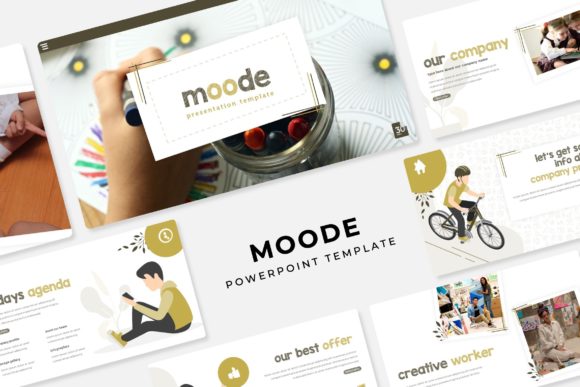
One of the standout features of the Moode template is its system of 5 premade color variations, each containing 30 distinct slides for a total of 150+ slides. This isn't just about offering choice; it's about solving a fundamental branding challenge. Color is a primary driver of brand recognition and emotional response. Having five fully developed, harmonious palettes at your fingertips means you can instantly align a presentation with an existing brand identity or experiment with different moods—perhaps a calming blue scheme for a corporate report and a vibrant, energetic palette for a product launch. This built-in versatility is invaluable for agencies juggling multiple clients or entrepreneurs testing different brand directions.
Designed for Real-World Use: Efficiency Meets Aesthetics
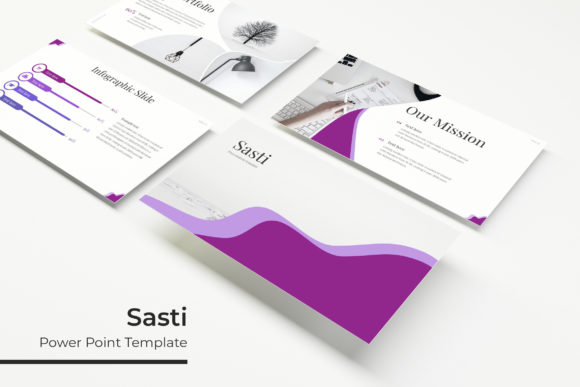
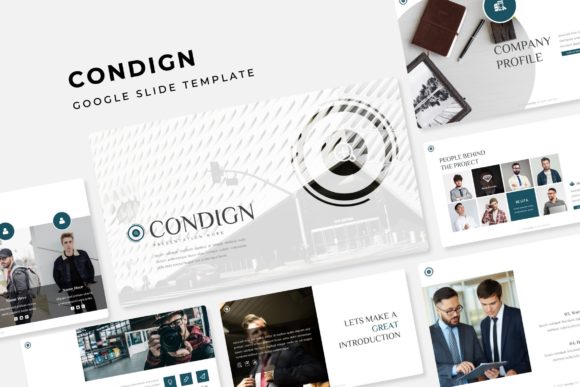
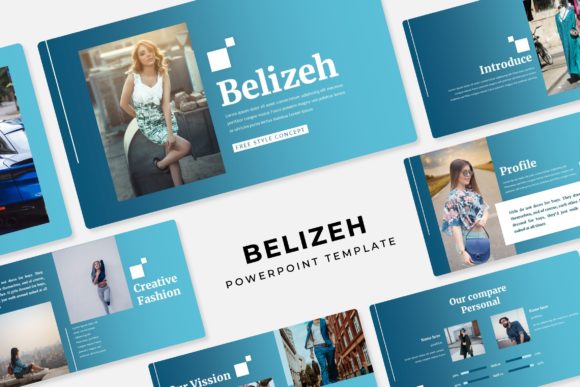
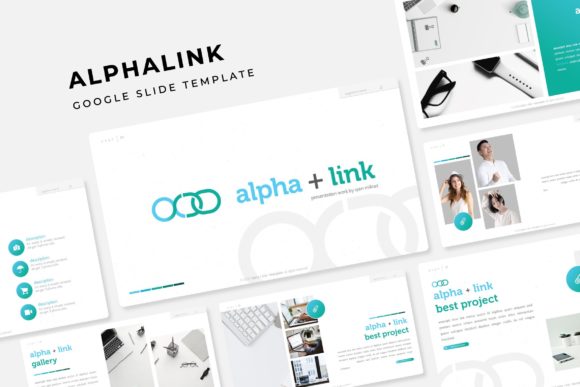
A beautiful template is useless if it's cumbersome to edit. The Moode template is built on master slides, the backbone of any efficient PowerPoint workflow. This means elements are logically grouped, and global changes to fonts or colors can be made in one place. Features like picture placeholders allow for true drag & drop functionality—you simply drag your image onto the placeholder, and it automatically scales and crops to fit the design perfectly. This pixel-perfect approach saves hours of manual adjustment and ensures your final presentation looks polished and professional, whether you're showcasing a portfolio, presenting infographics, or guiding an audience through section breaks.
From Slides to Strategy: Practical Applications for Your Brand
Think of the Moode template as a versatile design asset that extends far beyond the boardroom. Its clean, modern aesthetic makes it a powerful tool for creating a suite of marketing assets. Use the infographic slides to craft engaging visuals for a blog post or social media graphics. The portfolio layouts are perfect for freelancers and creatives to display work on their websites or in client pitches. For small businesses, the consistent visual style can be adapted to design packaging mockups, poster layouts, or even invitation templates for events. The ability to export individual slides as high-quality images opens the door to creating cohesive print materials and digital products that all share the same professional DNA.
Building Visual Consistency and Audience Trust
In a crowded digital landscape, consistency breeds familiarity and trust. When your brand identity is reflected uniformly across every touchpoint—from a keynote speech to an Instagram story to a PDF report—it reinforces who you are. The Moode template facilitates this by providing a unified system. The handcrafted infographics and gallery slides ensure that data and imagery are presented with equal care. This attention to detail communicates competence and builds audience engagement. Viewers may not consciously note the modern typography or balanced layout, but they will perceive the content as more credible and easier to digest, which is the ultimate goal of any visual communication.
Getting Started: Making the Template Your Own
To maximize the value of a tool like this, approach it strategically. First, review the included font styles—the readme first file with free font download links is crucial for maintaining design integrity. Consider your project's goals: is it formal or casual? The template's clean lines may pair well with a sans serif font for a tech feel or a serif font for a more traditional touch. Don't be afraid to test font pairings within the master slides to see what resonates. Always keep readability as your north star, especially for data-heavy slides. Finally, be mindful of the licensing note: the photographs used in the preview are for illustration only, so source your own high-quality images to complete the professional look. By treating the Moode template as a starting framework rather than a finished product, you unlock its full potential to streamline your workflow and sharpen your brand's visual edge.