Transform Your Presentations with the Rejected Power Point Template
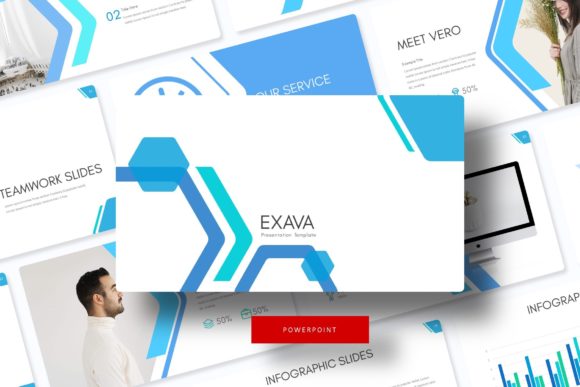
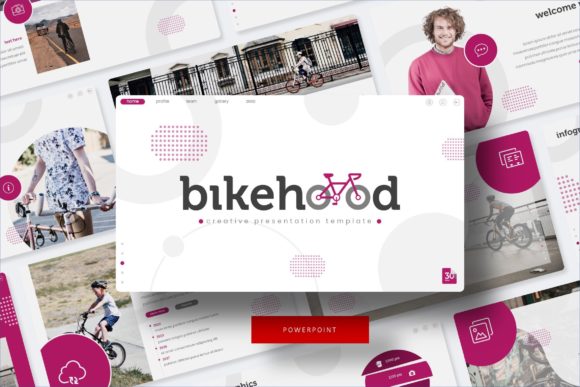
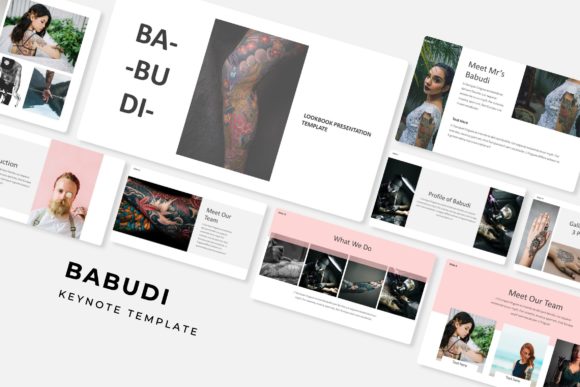
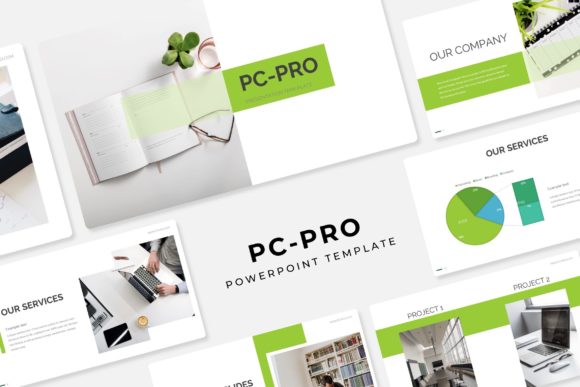
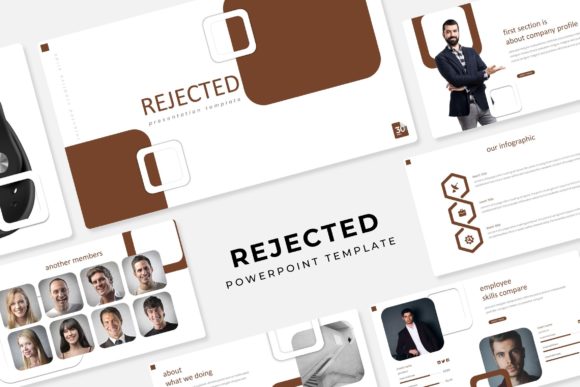
Ever sat through a presentation that felt like a visual maze, with clashing colors and inconsistent layouts pulling attention away from the message? As someone who's spent years crafting brand stories for clients, I've seen how a mismatched template can undermine even the best ideas. The Rejected Power Point Template flips that script, offering a bold, rejection-themed aesthetic that's perfect for anyone looking to add an edgy, modern twist to their slideshows. With over 150 total slides spread across five premade color variations—30 slides each—it's a versatile toolkit that feels fresh and intentional, drawing from handcrafted infographics and pixel-perfect illustrations to make every detail pop.
What sets this template apart is its seamless integration of design elements that prioritize both style and function. Picture section break slides that guide your audience smoothly through topics, or gallery and portfolio slides that showcase visuals without overwhelming the frame. The resizable and editable graphics mean you can tweak illustrations to fit your brand's voice, while picture placeholders with drag-and-drop simplicity let you swap images in seconds. Based on master slides for consistency, it's built on a widescreen format that looks sharp on any screen, from laptops to projectors. And with five PPTX files included—one for each color palette—you get ready-to-use assets that adapt to everything from corporate pitches to creative workshops.
Why Edgy Visuals Matter for Modern Brands
In a world where attention spans shrink by the day, standing out requires more than generic slides. The Rejected Power Point Template brings a raw, contemporary edge that's ideal for entrepreneurs pitching innovative ideas or marketers rolling out bold campaigns. Its rejection motif—think subtle strikethroughs and layered textures—evokes a sense of resilience and reinvention, which resonates with audiences who value authenticity. Whether you're designing for a startup's investor deck or a blogger's workshop series, this template's visual language helps communicate confidence without saying a word.
For small business owners juggling multiple hats, the practical side shines through. The five premade colors—ranging from muted neutrals to vibrant accents—allow quick customization to match your brand identity. No more hours fiddling with alignments; the pixel-perfect illustrations ensure every icon and chart aligns flawlessly. If you're a content creator sharing tutorials, the handcrafted infographics break down complex data into digestible visuals, boosting engagement. And since it's all based on master slides, updates propagate across your entire presentation, saving time and reducing errors in high-stakes meetings.
Creative Applications Across Industries
Think beyond the boardroom—this template's flexibility extends to a range of creative projects. For graphic designers, the gallery slides double as portfolio showcases, letting you highlight logo designs or packaging concepts with drag-and-drop ease. Imagine presenting a rebranding proposal where each slide flows into the next, using section breaks to build narrative momentum. It's equally at home in editorial layouts for digital magazines, where the widescreen format accommodates full-bleed images and text overlays that feel professional yet approachable.
Marketers and social media managers will appreciate how it streamlines asset creation. Export slides as images for Instagram carousels or LinkedIn posts, leveraging the editable graphics to maintain visual consistency across platforms. Small agencies crafting client pitches can use the 150+ slides to outline strategies, from market research infographics to timeline visuals, without starting from scratch. Even hobbyists, like crafters hosting virtual events, find value in the invitation-style slides for themed workshops, where the rejection theme adds a playful, motivational vibe to encourage experimentation.
For those in education or training, the template's structure supports interactive sessions. Break down modules with portfolio slides that invite feedback, or use infographics to illustrate key concepts in web design tutorials. It's a subtle nod to modern typography trends, where sans serif elements meet bold displays, making it versatile for pairing with fonts that enhance readability—say, a clean sans for body text and a script for headers to add personality.
Building Stronger Visual Consistency and Engagement
One of the biggest challenges in design is keeping things cohesive, especially when scaling from a single slide to a full deck. The Rejected Power Point Template addresses this head-on with its master slide foundation, ensuring fonts, colors, and layouts stay uniform. This consistency strengthens brand recognition; think of how a unified visual style in your presentations reinforces your logo design or packaging concepts during pitches. Audiences notice the polish, which translates to higher trust and better retention of your message.
Readability is another win here. The illustrations are crafted with clear hierarchies—bold headers for emphasis, subtle backgrounds to avoid distraction—so even data-heavy slides scan easily. Pair this with practical font choices: opt for a premium serif for formal reports to convey authority, or a handwritten script for creative branding to evoke warmth. Testing these pairings is straightforward; start with the included readme file, which points to free font downloads, and experiment in mockups to see what resonates with your target audience.
Engagement skyrockets when visuals align with goals. For digital products like e-books or online courses, use the template's placeholders to embed interactive elements in exports. Social media graphics benefit from the resizable icons, allowing quick adaptations for Stories or pins. And in print materials—posters, invitations, or merchandise mockups—the pixel-perfect quality ensures crisp results, whether you're a freelancer delivering to clients or a hobbyist printing event flyers.
Practical Tips for Seamless Integration
Getting started doesn't require a design degree. First, assess your project's tone: the rejection theme suits forward-thinking brands, so lean into it for pitches on innovation or change management. Download the five PPTX files and explore the color variations—test one against your brand palette to find the best match. The widescreen format is standard for most projectors, but if you're adapting for social, crop strategically to maintain impact.
Font pairing is key to unlocking the template's full potential. With the included free font links, blend a modern sans serif for everyday readability with a display font for standout headers. Review the styles in the readme to ensure commercial licensing aligns with your use—most are flexible for both personal and business projects, but double-check for merchandise rights if selling prints. Avoid overloading slides; use section breaks to pace your content, keeping audiences hooked without fatigue.
For web or blog integrations, export infographics as PNGs and embed them in posts about design trends. Marketers can repurpose slides into email newsletters, where consistent visuals boost click-throughs. And if you're a brand strategist, leverage the portfolio slides to map out identity systems, showing clients how typography evolves from concept to final assets. It's all about real-world application: test on a small audience first, gather feedback, and refine for broader rollout.
Ultimately, the Rejected Power Point Template isn't just about slides—it's a catalyst for clearer communication and bolder creativity. Whether you're refining a startup's pitch deck or curating a personal brand's visual story, its blend of style and substance empowers you to present with confidence. Dive in, customize boldly, and watch your ideas land with the impact they deserve.