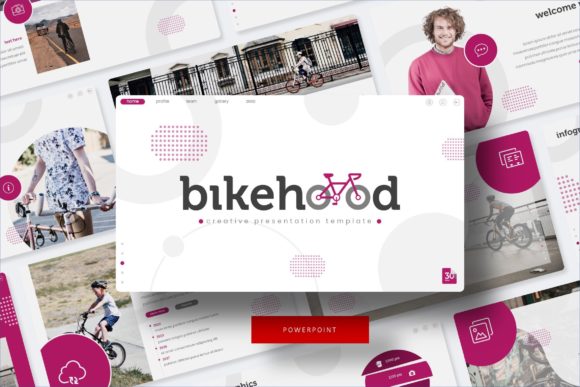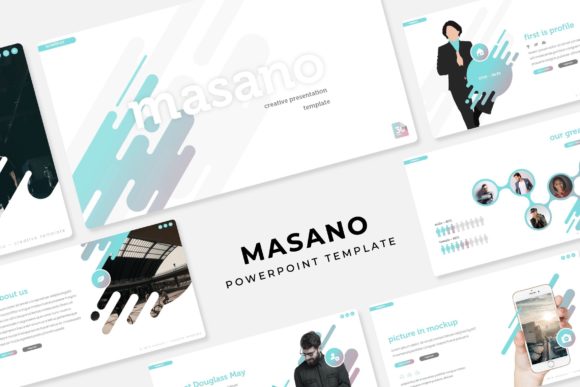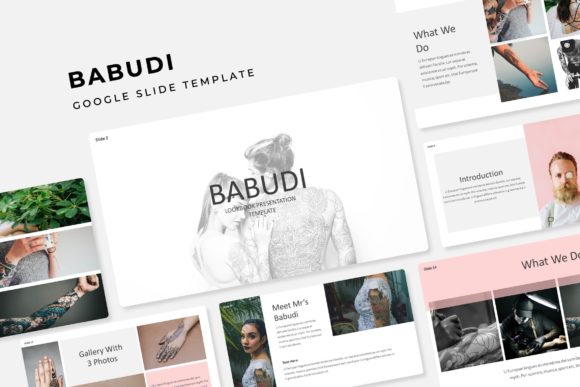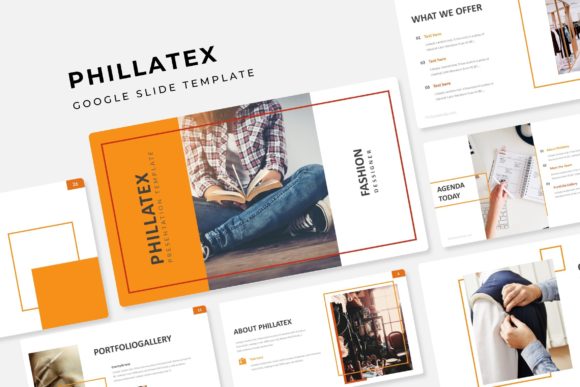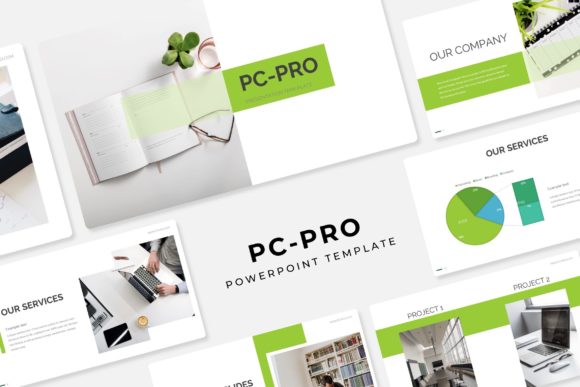
Master Your Next Pitch with the PC Pro Power Point Template
There is a specific kind of dread that sets in when you open a blank presentation file. You know the stakes are high—whether you are pitching a new client, presenting quarterly results, or launching a startup—but the default templates feel lifeless and the idea of building a deck from scratch is exhausting. We often spend hours tweaking margins and trying to align icons, only to end up with a disjointed mess that undermines our credibility. If you have ever felt that friction between your great ideas and your visual presentation, it is time to change your toolkit. The PC Pro Power Point Template is designed specifically to bridge that gap, offering a robust, professional framework that lets your content shine without the design headache.
The core appeal of this asset lies in its sheer volume and versatility. We are talking about a massive collection featuring 150+ Total Slides. This isn't just about quantity; it's about depth. When you have that many layouts at your disposal, you stop fighting the software and start focusing on your narrative. Whether you are a consultant needing data-heavy charts or a creative agency showcasing a visual portfolio, the variety ensures you aren't repeating slide layouts halfway through your presentation. It feels premium because it scales with the complexity of your project.
Visual Consistency and the Power of Color
One of the biggest challenges in presentation design is maintaining a cohesive brand identity. It is easy to lose your brand colors or mix fonts when you are rushing to meet a deadline. This template solves that problem elegantly with its 5 Premade Colors structure. Each color scheme comes with 30 Slides, creating a complete, harmonious visual story right out of the box.
This feature is a game-changer for brand identity work. If you are presenting to different stakeholders, you can swap the entire mood of the deck with a single click without breaking the layout. The color variations aren't just arbitrary hues; they are curated palettes that feel modern and professional. For a small business owner or marketer, this means you can easily match the template to your specific corporate colors or campaign themes. It takes the guesswork out of color theory and ensures that your slides look like they were crafted by a dedicated design team, maintaining that crucial visual consistency throughout your pitch.
Pixel-Perfect Illustrations and Customization
A template is only as good as its assets, and this is where the PC Pro collection truly shines. We have all used templates where the icons look blurry or the graphics are flattened, making them impossible to edit. This package features Pixel-perfect illustrations and Handcrafted Infographic in Powerpoint. These aren't generic stock vectors; they are custom assets designed to help you explain complex ideas simply.
Furthermore, the Resizable and Editable Graphic capabilities mean you aren't locked into a rigid structure. If you need to move a chart, expand a photo, or change the weight of an icon, you can do so without the design falling apart. The Picture Placeholder feature is particularly useful for those of us who aren't wizards with image masking. It uses a simple drag & drop mechanism based on Master Slides, allowing you to swap images instantly while maintaining the perfect crop and aspect ratio. This functionality is vital for packaging design previews or social media graphics presentations where the imagery needs to be flawless.
Practical Applications for Every Professional
While this is technically a presentation file, thinking of it only as a slide deck limits its potential. For the content creator or creative entrepreneur, this tool is a Swiss Army knife for visual communication. Consider the Gallery and Portfolio slide layouts. These are not just for corporate portfolios; they are perfect for editorial design mockups, web design showcases, or even invitations for digital events.
If you are in marketing, the Section Break Slides are essential for pacing. They allow you to pause, reset the audience's attention, and introduce the next phase of your argument clearly. This structure helps improve audience engagement by preventing cognitive overload. You can use these templates to build:
- Brand Guidelines: Use the typography slides to define your font pairing strategy.
- Investor Decks: Utilize the infographic slides to simplify financial data.
- Digital Products: Create lookbooks or e-course materials that feel like premium font and design assets.
- Internal Training: The clean layouts improve readability for educational content.
Technical Excellence and Ease of Use
Nothing kills a workflow faster than technical glitches. The PC Pro template is built on a foundation of stability. Because it is Based on Master Slides, making global changes is instantaneous. If you decide halfway through that you need a darker background or a different accent color, you don't have to edit 30 individual slides. You edit the Master, and the entire deck updates. This is a massive time-saver for print materials or merchandise mockups where you might need to generate multiple versions quickly.
The inclusion of 5 PPTX Files and 5 PPTX Widescreen versions ensures compatibility across different devices and projection systems. Whether you are presenting on a modern widescreen monitor or an older projector setup, your aspect ratio will be correct. Additionally, the package comes with a Readme First file and links to free font downloads. This attention to detail is crucial; nothing is worse than opening a template to see "font missing" errors. By guiding you to the correct typefaces, the template ensures that the typography—whether it's a serif font for elegance or a sans serif font for modern clarity—looks exactly as intended.
Elevating Your Brand Narrative
Ultimately, the goal of any design asset is to help you communicate more effectively. The PC Pro Power Point Template is more than just a collection of slides; it is a framework for professional storytelling. By removing the technical barriers of design, it allows you to focus on what matters: your message.
For the blogger looking to create digital products, or the entrepreneur refining their logo design presentation, having a reliable, high-quality template is a competitive advantage. It signals to your audience that you value quality and attention to detail. It transforms a standard meeting into a visual experience, ensuring that your brand is remembered long after the projector is turned off.