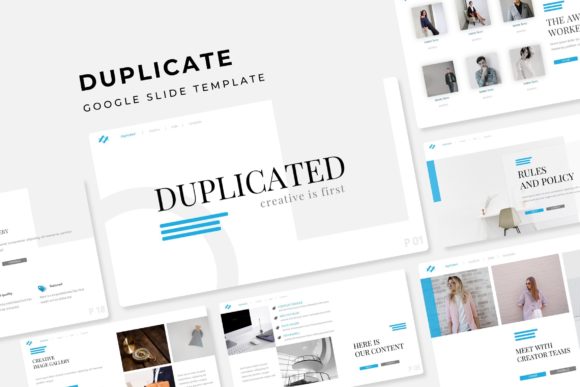
Duplicated Google Slide Template: 150+ Slides for Instant Impact
Creating a presentation that truly resonates requires more than just a good idea; it demands a foundation that is both visually stunning and incredibly efficient. If you've ever found yourself spending hours tweaking layouts, searching for the perfect infographic, or struggling to maintain a consistent color scheme across dozens of slides, you know the frustration. This is where a thoughtfully designed template system changes the game, moving you from design fatigue to polished professionalism in minutes.
The Duplicated Google Slide Template is engineered for exactly this scenario. It’s not a single file, but a comprehensive presentation toolkit built around the concept of smart, scalable design. With over 150 total slides organized into five distinct color variations, it provides the raw material for nearly any business or creative narrative. Each color scheme is a complete, handcrafted story, offering 30 meticulously designed slides that include everything from dynamic section breaks to clean portfolio galleries. The core philosophy here is "drag & drop" simplicity, powered by a master slide system that ensures every element—from resizable graphics to editable picture placeholders—stays perfectly aligned and on-brand.
Beyond a Single File: The Power of a Modular Presentation System
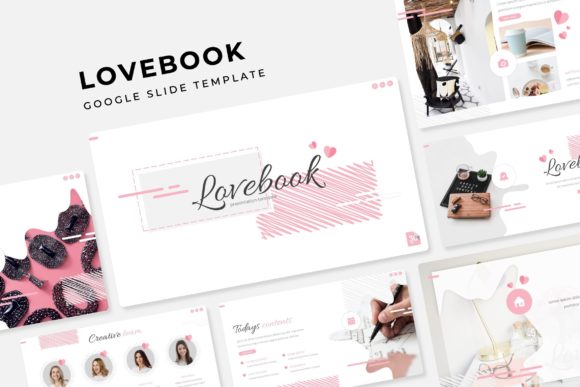
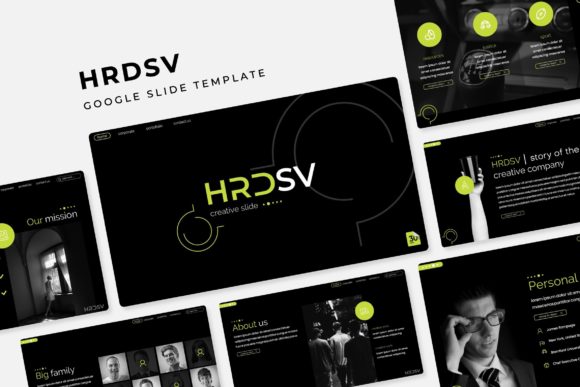
Think of this template pack as a dedicated design assistant. Instead of starting from a blank canvas each time, you begin with a library of pre-built, professional-grade components. The five premade colors (available in both standard and widescreen PPTX formats) are carefully curated palettes that set a distinct mood. One might offer a sleek, corporate blue for a financial report, while another presents a warm, earthy tone perfect for a wellness brand. This variety means you can instantly adapt your presentation's feel to match your specific brand identity or the subject matter at hand, ensuring visual consistency from the first slide to the last.
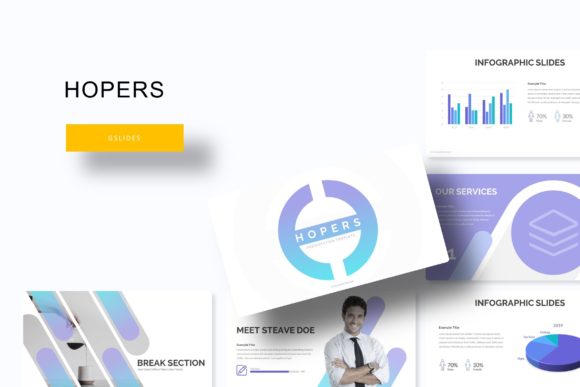
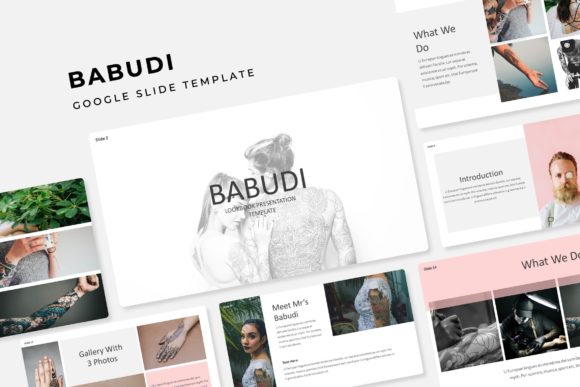
The real value, however, lies in the details. The handcrafted infographics are not generic charts; they are custom-designed visual stories that simplify complex data. The section break slides act as visual punctuation, giving your audience a natural pause and signaling a new chapter in your narrative. For creatives and agencies, the gallery and portfolio slides are a standout feature, offering clean, grid-based layouts that let your work speak for itself without distracting design elements. Every graphic is pixel-perfect, meaning they render crisply on any screen, a crucial factor for maintaining a professional presentation.
Practical Applications for Modern Professionals
This template system is a versatile asset across numerous fields. For a startup founder, it’s the tool to craft a compelling investor pitch deck that looks polished and data-driven. A marketing manager can use it to build a comprehensive campaign rollout presentation for stakeholders, with dedicated slides for timelines, KPIs, and channel strategies. Educators and trainers will find the structured layouts ideal for creating engaging course materials or workshop decks that are easy to follow.
The applications extend further. Small business owners can develop professional service proposals or internal training manuals. Content creators and bloggers can design stunning media kits or webinar presentations that enhance their personal brand. The inclusion of portfolio slides makes it a natural fit for photographers, architects, and designers needing to showcase their work in client meetings. Essentially, any scenario that requires clear communication, strong branding, and a professional edge benefits from this kind of structured, beautiful template.
Design Efficiency Meets Creative Control
One of the biggest challenges in presentation design is balancing speed with quality. This template solves that by handling the heavy lifting of layout and composition. The master slide architecture is the engine behind this efficiency. By editing the master slides, you can make universal changes—like updating a logo or adjusting a color accent—that propagate throughout the entire deck. This guarantees brand consistency and saves immense time.
The "drag & drop" functionality for images is another critical usability feature. Picture placeholders are clearly defined, allowing you to simply drop in your own photographs or graphics without worrying about cropping or alignment. The resizable and editable graphic elements mean you can scale charts, icons, and diagrams to fit your content needs without breaking the design. This level of control empowers you to customize deeply while staying within a professionally designed framework, a key advantage for anyone serious about their visual communication.
What's Inside the Toolkit and How to Get Started
The download package is organized for immediate use. You receive five PPTX files for the standard aspect ratio and five for widescreen, covering all five color schemes. A "Readme First" document provides straightforward instructions. Importantly, the templates use free fonts, and download links for these typefaces are included, so you won't encounter missing font errors or need to purchase additional licenses for the typography. This attention to detail removes a common barrier for users.
Getting started is simple: open the desired color variation PPTX in Google Slides or PowerPoint, navigate to the master slide view to familiarize yourself with the structure, and begin replacing the placeholder content with your own. The logical slide ordering and clear naming conventions make customization intuitive. Whether you're building a quick report or a high-stakes keynote, this duplicated template system provides a robust, adaptable, and visually coherent foundation that elevates your message and respects your time.