Jojoba: A Modern Template for Polished Presentations
You know the feeling. You're hours away from a major pitch, a team update, or a client presentation, and you're staring at a blank, default PowerPoint slide. The standard blue and white feels tired, the layouts are uninspired, and you know that a generic look won't capture the attention your ideas deserve. This is where a thoughtfully designed presentation template becomes more than just a time-saver; it becomes a strategic tool for clear communication and professional credibility.
Crafting Visual Stories with Clarity and Style
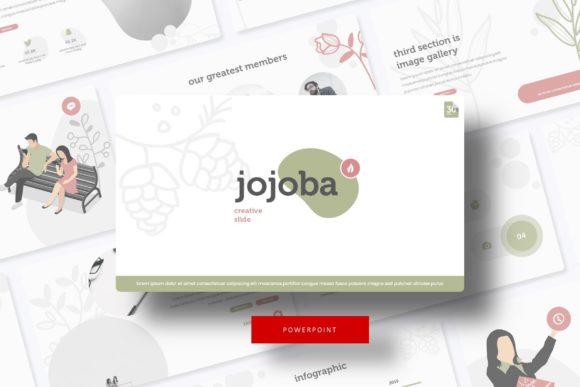
The Jojoba Power Point Template is built around a philosophy of clean, modern aesthetics paired with robust functionality. At its core, it’s a system designed to help you structure information logically and present it beautifully. With over 150 total slides organized across five premade color themes, you have a vast library of layouts at your fingertips. Each color variation offers 30 unique slides, ensuring you have the right visual framework for every section of your talk—from a compelling title slide to a detailed data breakdown.
What truly sets a professional presentation apart is the quality of its visual elements. The Jojoba template includes handcrafted infographics and pixel-perfect illustrations that are fully resizable and editable. Gone are the days of blurry, stretched icons or struggling to align elements manually. These graphics are built on master slides, meaning when you edit a core element, it updates consistently throughout your entire deck. This system is a lifesaver for maintaining visual consistency, a key component of strong brand identity. The drag-and-drop picture placeholders further streamline your workflow, allowing you to insert your own images seamlessly without breaking the design’s integrity.
Beyond the Boardroom: Practical Applications for Every Creator
While designed for presentations, the utility of a template like Jojoba extends far beyond a conference room projector. Its structured layouts and high-quality graphics are assets for a wide range of creative and commercial projects. Think of it as a design toolkit in presentation format.
For small business owners and entrepreneurs, it’s perfect for crafting investor pitches, sales decks, or even detailed project proposals. The clean typography and professional layout help communicate your business plan with authority. Marketers and content creators can repurpose slides into standalone social media graphics, create visually rich blog post graphics, or develop assets for email campaigns. The consistent color themes make it easy to align with existing brand guidelines.
The template’s design language is also ideal for creating portfolio showcases. Whether you're a designer, photographer, or consultant, the gallery and portfolio slides provide an elegant way to display your work without the distraction of a cluttered layout. For educators and trainers, the section break slides and infographic elements are invaluable for breaking down complex topics into digestible, engaging visual segments. Even for personal use, like planning a wedding, organizing a community event, or creating a family photo album, the template provides a sophisticated and cohesive starting point.
Maximizing Your Template: From Download to Delivery
Getting the most out of a resource like this involves a few practical considerations. First, take a moment to review the included "Readme First" file. This document typically contains important instructions on font installation and specific design notes. The template utilizes a free font, with the download link provided, so you can ensure a perfect match without any extra cost—a crucial detail for those mindful of commercial licensing.
When you begin, resist the urge to dive straight into content. Instead, explore all five color variations to see which one best resonates with your topic or brand personality. A bold, high-contrast theme might be perfect for a tech startup pitch, while a softer, more muted palette could be ideal for a wellness or lifestyle brand presentation. This initial step in matching typography to project goals sets the entire tone.
Next, consider your font pairing. While the template comes with a perfectly matched typeface, understanding how to pair fonts is a valuable skill. The primary font in a template like this is often a clean sans-serif font, prized for its modern readability on screens. You might pair it with a complementary serif font for longer body text in other materials, or a subtle script font for accent text to add a touch of personality. Always test these pairings to ensure they enhance, rather than compete with, your message.
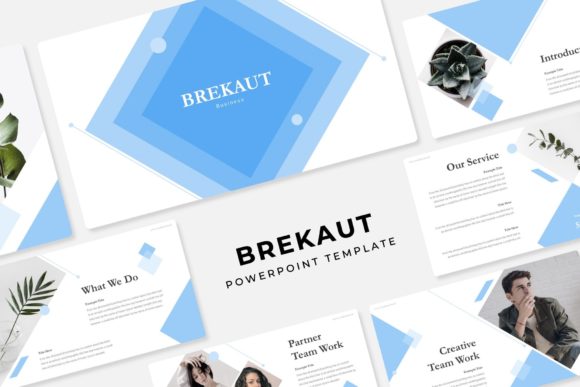
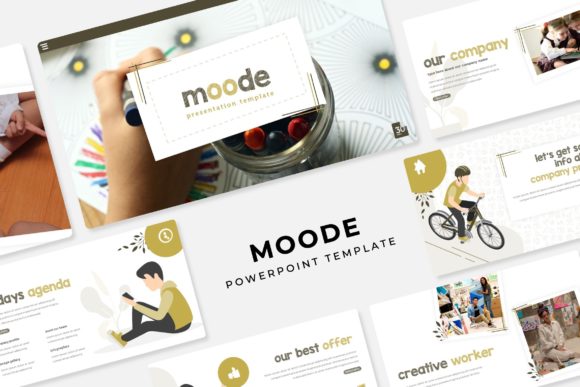
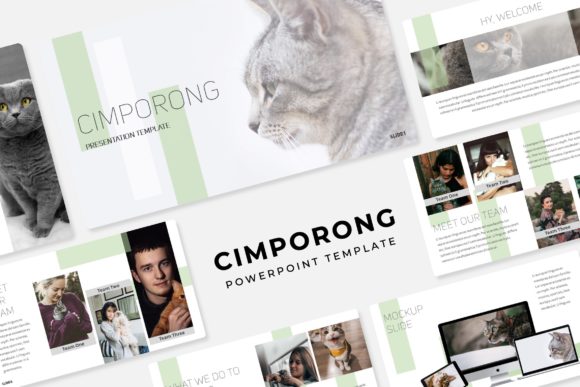
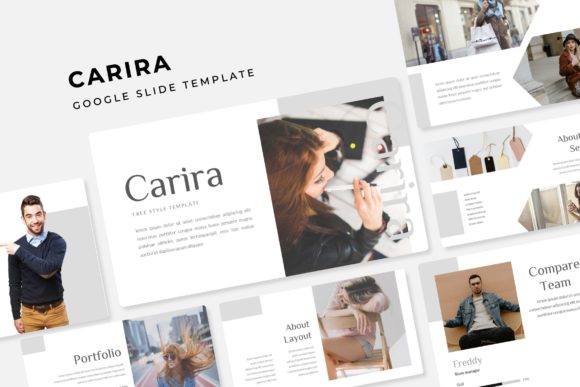
Finally, remember that the photographs shown in any template preview are for illustration purposes only. Your presentation’s power comes from your unique content. Use the picture placeholders to insert your own high-quality images, team photos, product shots, or relevant visuals that tell your specific story. This transforms the template from a generic design into a truly personalized and impactful communication tool, elevating your professional presentation and boosting audience engagement through authentic, relevant visuals.