Qudaku Power Point Template: A Deep Dive into Its 150+ Slides
You know the feeling. You’re staring at a blank PowerPoint canvas, the cursor blinking mockingly, and your big presentation is in two days. You need something that looks polished, professional, and uniquely you, but the built-in templates feel tired and the design process is a time-sink. This is where a robust, pre-designed system like the Qudaku Power Point Template changes the game. It’s not just a collection of slides; it’s a structured toolkit designed to streamline your workflow and elevate your visual communication from the very first click.
Beyond the Basics: What Makes This Template System Stand Out
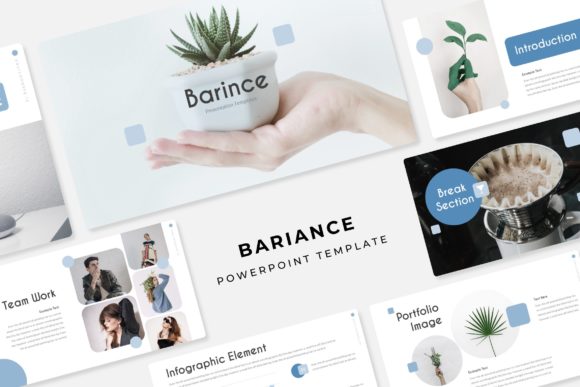
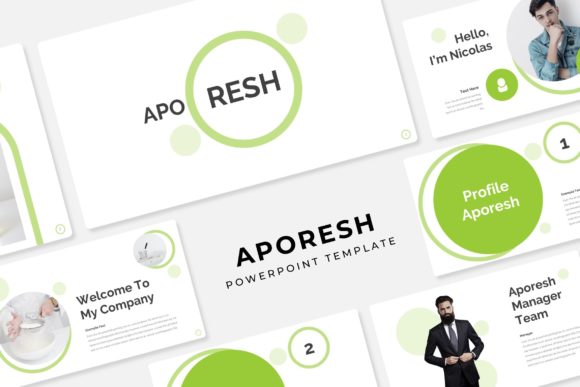
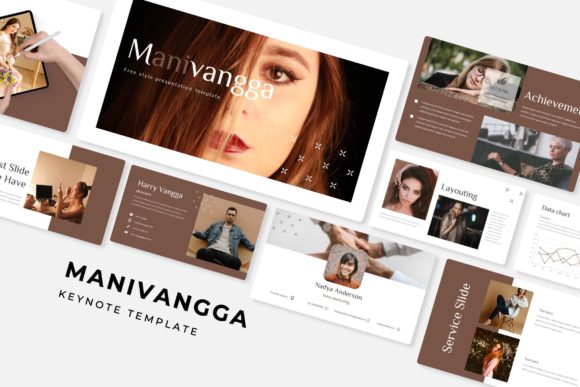
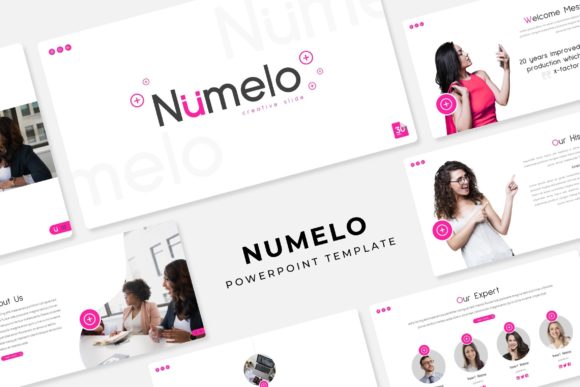
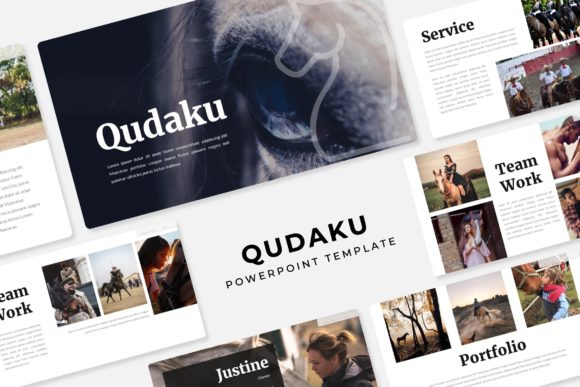
At first glance, the numbers are impressive: over 150 total slides organized into five distinct, premade color palettes, with 30 dedicated slides for each color scheme. But the real value lies in the thoughtful curation behind those numbers. Each of the five color variations isn't just a simple hue swap. They are fully realized aesthetic directions—think deep, authoritative blues for corporate reports, vibrant, energetic greens for tech startups, or warm, approachable terracottas for lifestyle brands. This built-in variety means you can instantly match the template's mood to your project's specific goals, whether you're pitching investors, onboarding new team members, or showcasing a portfolio.
The structure is built for real-world use. Section break slides act as clear chapter markers in your narrative, making complex information digestible. Dedicated gallery and portfolio slides are engineered with pixel-perfect illustrations and clean layouts, allowing your work to shine without competing with the template's design. This isn't about flashy graphics that distract; it's about a professional stage that supports your content.
Practical Design for Non-Designers and Pros Alike
One of the biggest hurdles in presentation design is flexibility. You’ve found a great layout, but the placeholder for your product image is the wrong shape, or the text box won’t accommodate your headline. Qudaku sidesteps this with a foundational approach based on master slides and fully resizable, editable graphics. Every element, from charts to icons, is crafted as a vector object. This means you can scale a bar chart to fit a sidebar or enlarge an icon for a title slide without losing a shred of clarity. The drag-and-drop picture placeholders are a practical touch, allowing you to insert your own photography or mockups seamlessly into pre-defined, beautifully framed spaces.
This level of editability empowers you. A small business owner can quickly mock up a product launch presentation using their own brand colors by simply adjusting the template's premade schemes. A marketing team can maintain visual consistency across quarterly reports by using the same core template system. It bridges the gap between having a vision and executing it efficiently, which is priceless when deadlines are tight.
Integrating Qudaku into Your Broader Brand Ecosystem
A presentation rarely exists in a vacuum. The visual language you use in a keynote should feel connected to your website, your social media graphics, and your marketing collateral. The clean, modern typography and balanced layouts of the Qudaku template provide an excellent foundation for this consistency. The included free font links are a critical detail. By using the recommended typefaces (often a strong pairing of a serif for headings and a sans-serif for body text), you ensure that the textual hierarchy is not only beautiful but also highly readable, both on a projected screen and in a printed handout.
Think of this template as a design asset that extends beyond the slide deck. The handcrafted infographics can be adapted into standalone graphics for a blog post. The clean section dividers can inspire the layout of a one-page brochure. The color palettes you settle on for your presentation can directly inform the primary and secondary colors for your brand identity kit. This interconnectedness is what builds strong brand recognition; your audience starts to recognize your visual style across different touchpoints.
Making It Your Own: Tips for Customization
To get the most out of a system like this, a little strategic customization goes a long way.
- Start with the Right Color Story: Don’t just pick your favorite color. Review all five premade options and choose the one that best aligns with the emotional tone of your message. Is it trustworthy, innovative, calming, or urgent?
- Master the Master Slides: Spend ten minutes exploring the Slide Master view. Understanding how the template is structured will save you hours. If you need to add your company logo to every slide, this is where you do it once, and it propagates everywhere.
- Pair with Purpose: While the included fonts are selected to work together, don’t be afraid to test your own brand fonts. A strong display font for titles paired with a highly readable sans-serif for body text is a classic, effective combination. Always prioritize clarity.
- Content is King, Layout is Queen: Use the provided layouts as guides. The portfolio slides are for showcasing work, not for cramming in bullet points. The infographic slides are for visualizing data. Let the template’s structure guide how you organize your information.
Ultimately, a tool like the Qudaku Power Point Template is about removing friction from the creative process. It provides a professional, visually cohesive starting point that respects both your time and your audience’s attention. By leveraging its structured flexibility—from the five color systems to the editable graphics—you can focus less on the mechanics of design and more on the power of your message, delivering presentations that are not only seen but remembered.