Maleco Google Slide Template: A Complete Presentation Toolkit
Imagine sitting down to build a critical client pitch or a keynote for a conference. You open a blank presentation file, and the cursor blinks back at you, mocking your lack of design inspiration. We have all been there—spending hours aligning boxes, choosing color palettes that clash, and wrestling with clip art that looks outdated. For professionals, entrepreneurs, and creators, time is the one resource we cannot afford to waste on technical formatting battles. This is where a robust design asset like the Maleco Google Slide Template changes the game. It is not just a set of slides; it is a comprehensive visual communication system designed to streamline your workflow and instantly elevate your brand’s aesthetic.
The Power of a Cohesive Visual Identity
Consistency is the bedrock of brand recognition. Whether you are a small business owner pitching investors, a marketer presenting quarterly results, or a freelancer pitching for new work, your visual presentation speaks volumes before you say a word. Inconsistent fonts, erratic spacing, and mismatched colors can subconsciously signal a lack of attention to detail. The Maleco Google Slide Template addresses this by offering a structured approach to modern typography and layout. By utilizing a pre-designed system, you ensure that every slide reinforces your brand identity, creating a seamless experience for your audience.
When we talk about visual consistency, we are referring to the harmony between your text, imagery, and layout. The Maleco template provides a foundation where these elements work together naturally. This allows you to focus on your narrative rather than getting bogged down in the mechanics of design. It is about professional presentation—showing your audience that you value their time and attention enough to deliver a polished product.
Unpacking the Features: 150+ Slides and Beyond
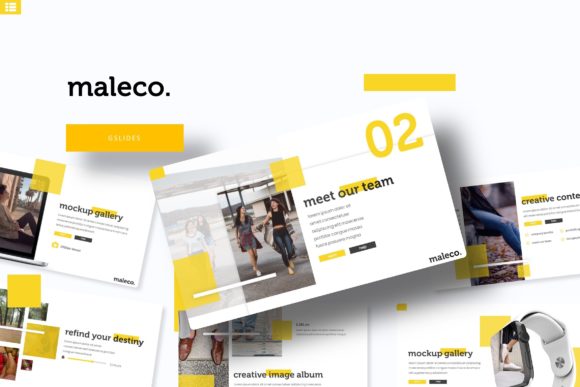
The sheer volume of content included in this package is impressive, but it is the versatility that truly stands out. The Maleco template comes equipped with over 150 total slides, organized into 5 premade color themes. This means you get 30 slides for each template color variation. Why does this matter? Different contexts require different moods. A serious financial report might call for a deep blue or charcoal palette, while a creative pitch for a lifestyle brand might benefit from warmer, more vibrant tones. Having these 5 color variations ready to go allows you to adapt your presentation to the specific emotional resonance of your topic instantly.
For those who value efficiency, the Master Slides architecture is a significant benefit. If you have ever tried to change a logo placement or font size across 30 individual slides manually, you know the pain. With Master Slides, a single edit propagates throughout the entire deck. Furthermore, the Pixel-perfect illustrations and handcrafted infographics included in the set transform complex data into digestible visual stories. Instead of pasting in a generic Excel chart, you can present data using custom graphics that align with your brand identity, enhancing both readability and engagement.
Practical Applications for Creators and Businesses
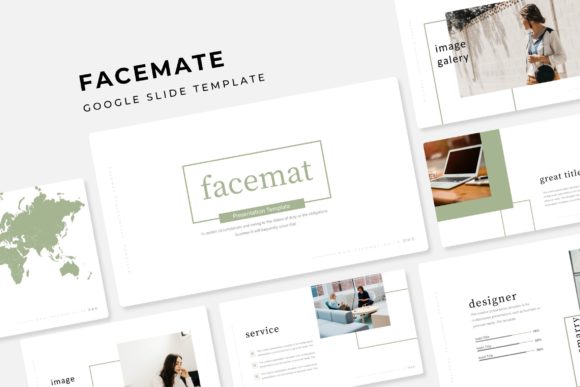
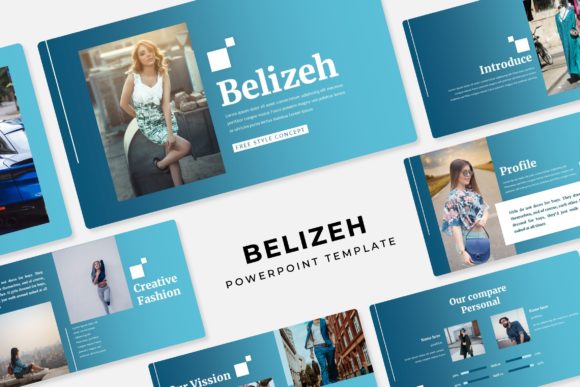
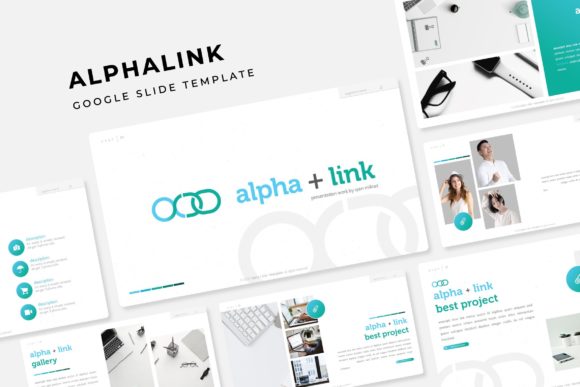
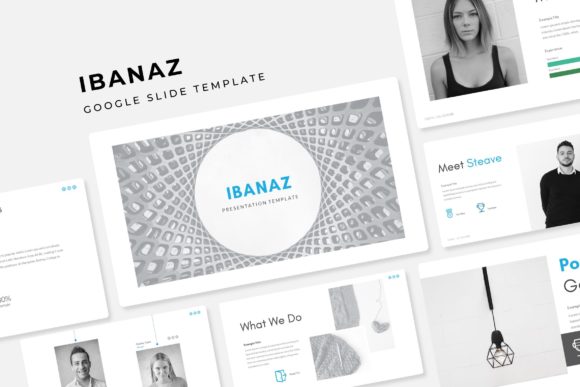
The utility of the Maleco Google Slide Template extends far beyond the boardroom. Its design structure makes it a versatile asset for a wide range of creative projects. Consider the needs of a content creator or blogger; the Gallery and Portfolio slide layouts are perfect for showcasing visual work, photography, or product mockups without needing to build grids from scratch.
For marketing professionals, the section break slides provide a clean way to pause and pivot between topics, keeping the audience’s attention focused. The resizable and editable graphic picture placeholders are a lifesaver for those who need to swap out imagery quickly. You can simply drag & drop your photos into the designated areas, and the template handles the cropping and sizing, ensuring your layout remains pristine.
Here are a few specific scenarios where this template shines:
- Sales Pitches: Use the infographic slides to break down service offerings and pricing structures clearly.
- Educational Workshops: Teachers and trainers can use the section break slides to separate modules, making the learning curve easier to manage.
- Portfolio Reviews: Designers and photographers can leverage the gallery slides to let their work speak for itself in a distraction-free environment.
- Internal Reports: HR and Admin teams can utilize the clean layouts for onboarding documents or quarterly updates, maintaining a professional presentation standard.
Technical Details That Save Time
One of the most frustrating aspects of using templates is often the technical compatibility. The Maleco package mitigates this by including 5 PPTX Files and 5 PPTX Widescreen formats. This ensures that whether you are presenting on a standard monitor or a wide conference projector, your aspect ratio is already optimized.
Typography is another critical component. The package includes a Readme First document that details the font used, complete with a free font download link included. This is a massive advantage for small business owners who may not have subscriptions to premium font foundries. You get the benefit of a premium font aesthetic without the recurring cost. The text is fully editable, allowing you to adjust kerning, leading, and weight to match your specific visual communication needs.
It is important to note the disclaimer regarding imagery: "All photographs or pictures used in the preview are not included, they are intended for illustration purpose only." This is standard for design assets, but it encourages you to use your own high-quality images. Using your own photos ensures that your presentation is unique and authentic to your brand, rather than relying on stock imagery that your competitors might also use.
Design Flexibility: From Packaging to Digital Products
While primarily a presentation tool, the elements within the Maleco set can be repurposed for broader design needs. The Pixel-perfect illustrations and layout grids can serve as inspiration or direct components for packaging design mockups. If you are a creative entrepreneur launching a new product, you can use the slides to map out your box art or label design before sending it to a printer.
Similarly, for those involved in editorial design or creating digital products like e-books or lead magnets, the structure of the slides provides a blueprint for layout. The balance of text and imagery, the use of whitespace, and the hierarchy of information are all principles of good web design and print materials. By studying and utilizing the Maleco template, you are effectively learning modern typography and layout principles in a practical, hands-on way.
The ability to resize and edit graphics means you are not locked into a rigid structure. Need to move an image placeholder? You can. Need to change the color of an infographic bar to match your specific brand hex code? The tools are there. This flexibility is crucial for hobbyists and professionals alike who need their tools to adapt to their creative vision, not the other way around.
Maximizing Audience Engagement
Ultimately, the goal of any presentation is to communicate effectively. A cluttered or poorly designed slide deck can distract from your message, causing your audience to tune out. The clean, organized nature of the Maleco template aids in readability. When text is legible and visuals are purposeful, your audience can focus on what you are saying.
Think about social media graphics. While these are slides, the design language used in high-performing social content—bold headers, clean lines, and high-contrast imagery—is mirrored in this template. You can even export individual slides as images to create consistent social media graphics that match your presentation deck, creating a multi-channel campaign look.
For marketers, this is a goldmine. You can present a strategy to a client using the deck, and then use the same visual language to create the marketing assets for that strategy. This creates a cohesive loop from strategy to execution. The Maleco Google Slide Template serves as the central hub for these visual assets.
Final Thoughts on Workflow and Value
In the fast-paced world of business and creativity, efficiency is key. We often look for premium fonts and expensive software to solve our design problems, but sometimes the solution is a well-structured template that handles the heavy lifting. The Maleco package offers a balance of aesthetic appeal and functional utility. It respects the user's time by providing drag & drop functionality and pre-made variations, while also respecting the user's need for customization through editable vectors and Master Slides.
Whether you are drafting a business plan, curating a portfolio, or designing merandise concepts, having a reliable set of slides at your disposal reduces friction in the creative process. It allows you to move from idea to execution faster. The inclusion of 5 PPTX Widescreen files and comprehensive font support makes it a ready-to-use solution for anyone serious about their visual communication. It is a practical investment in your workflow, designed to help you look professional and organized in every interaction.