Master Your Message: The Feature PowerPoint Template
You know the feeling. You've got a brilliant idea, a game-changing business proposal, or a crucial update for your team. You open PowerPoint, stare at the blank white slide, and the creative block hits. You want your presentation to look sharp, professional, and engaging, but designing a visually stunning deck from scratch is time-consuming, and the built-in templates often feel generic and uninspired. This is where a well-crafted Feature PowerPoint Template becomes less of a luxury and more of a strategic necessity. It’s about having a reliable, professional foundation that lets your content shine without getting bogged down in design minutiae.
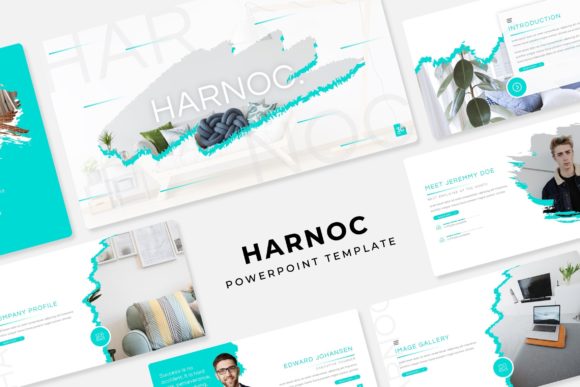
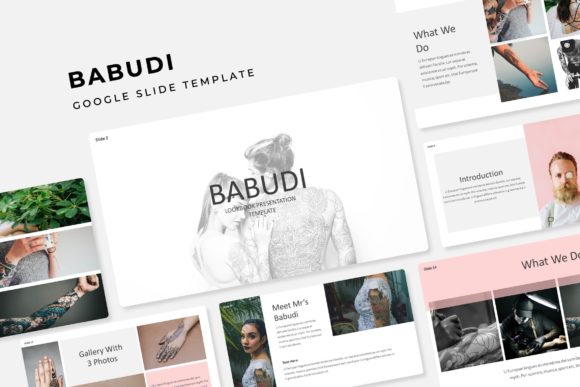
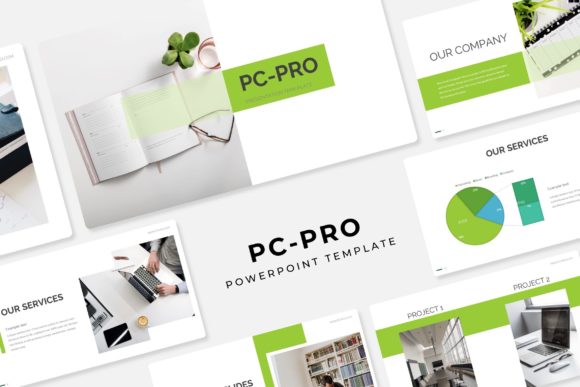
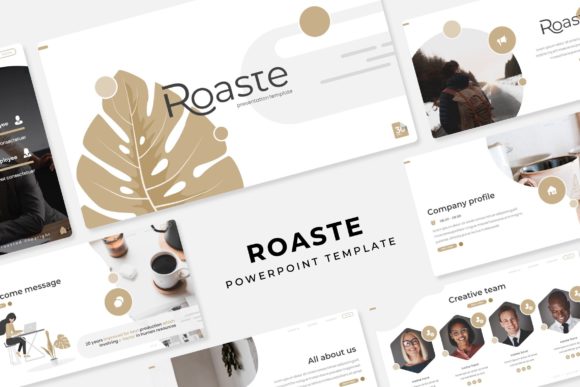
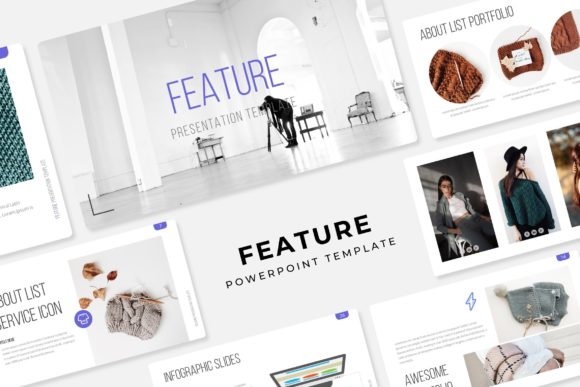
Think of this template not as a set of pre-made slides, but as a versatile design system for your ideas. With over 150 total slides organized across 5 premade color palettes (each offering 30 meticulously designed slides), you’re equipped for virtually any presentation scenario. The real value lies in the structure and flexibility. You’re not just getting slides; you’re getting a toolkit built for clarity and impact, complete with handcrafted infographics that turn complex data into understandable visuals and section break slides that provide a clean, professional transition between topics. Whether you're presenting a quarterly report, pitching a new product, or walking through a portfolio, the consistent, pixel-perfect design ensures your message is received with the credibility it deserves.
Beyond the Boardroom: Where This Template Truly Shines
While perfect for corporate meetings and investor pitches, the utility of a robust presentation template extends far beyond the conference room. For small business owners and entrepreneurs, it’s a secret weapon for creating polished sales decks, client proposals, and training materials that build trust from the first click. Content creators and bloggers can repurpose slide content into stunning video backgrounds, webinar visuals, or even high-impact social media graphics. The included gallery and portfolio slides are a godsend for designers, photographers, and freelancers, offering a clean, elegant way to showcase work without wrestling with layout grids. Imagine using the resizable and editable graphic picture placeholders to create a compelling lookbook for your latest collection or a visual case study for your marketing agency.
The design philosophy here is rooted in practicality. Every element is based on master slides, which means a single change to the color scheme or font style updates the entire deck, saving you hours of tedious editing. This is crucial for maintaining brand identity. You can easily input your brand’s hex codes into the master slide, and the 5 premade color variations give you a fantastic starting point for different campaign themes or seasonal updates. The drag & drop functionality for placeholders makes it incredibly user-friendly, even for those who aren’t design experts. Swapping out a stock photo for your own product shot or team member’s headshot is as simple as clicking and dragging, ensuring a custom, authentic feel without the custom design work.
The Anatomy of a High-Impact Presentation Design
Let’s unpack what makes a template like this feel so professional and effective. It’s a combination of strategic layout choices and thoughtful graphic elements. The pixel-perfect illustrations and infographics are designed to do the heavy lifting for you. Instead of describing a process in a dense bullet-point list, you can use a clean, step-by-step infographic that guides your audience’s eye and improves comprehension. This is where visual consistency becomes a superpower. When every chart, icon, and text box follows the same design language, your presentation feels cohesive and authoritative. This consistency directly translates to improved brand recognition and a more professional presentation, which in turn boosts audience engagement. People are more likely to trust and remember information presented in a clear, visually appealing way.
The inclusion of 5 PPTX Files and 5 PPTX Widescreen files is a thoughtful detail. It acknowledges the different environments we present in—some still use the standard 4:3 aspect ratio for older projectors, while widescreen 16:9 is now the norm for most laptops and modern displays. Having both options means your presentation will look flawless regardless of the setup. Furthermore, the Readme First file and the inclusion of free font download links are signs of a well-packaged design asset. It respects your time by providing clear instructions and ensures you can replicate the exact look of the preview without hunting for fonts. A quick note on licensing: while the template and its graphics come with a commercial license, the photographs or pictures used in the preview are not included. This is standard practice, so you’ll want to source your own images from stock photo sites or use your own original photography to make the presentation truly yours.
Putting It Into Practice: From Download to Delivery
So, you’ve downloaded the template. Now what? A smart approach is to start with the 5 premade color options and select the one that best aligns with your project’s mood—be it bold and energetic, cool and corporate, or warm and inviting. From there, dive into the master slides. This is your command center. Adjust the primary and accent colors to match your brand palette, and set your preferred fonts. The template likely uses a clean sans serif font for body text and a complementary display font for headings, a classic and highly readable pairing. Don’t be afraid to test your own font pairing here; the structure is flexible enough to accommodate your modern typography choices.
As you build your presentation, leverage the variety of slide types. Use a section break slide to clearly demarcate different parts of your talk. When you have a key statistic or a three-step process, find a corresponding handcrafted infographic slide and simply edit the text and icons. For your portfolio or product images, the picture placeholder slides are your best friend. The resizable and editable nature of all graphics means you can scale elements up or down without losing quality, and recolor icons to match your scheme. This level of control is what separates a premium template from a basic one. It empowers you to create a presentation that feels bespoke, not templated, ultimately leading to a more confident delivery and a more impactful result for your marketing assets, digital products, or business communications.