Streamline Your Next Pitch with Phillatex Google Slide Template
There is a specific kind of frustration that sets in around slide 15 of a presentation build. You know the feeling—staring at a blank canvas, trying to align a text box with an image placeholder, only to realize the color palette you’ve been using for the last hour doesn't quite match your brand guidelines. We have all been there. Whether you are a small business owner pitching to investors, a marketer presenting a quarterly strategy, or a designer handing off assets to a client, the mechanics of building a deck often overshadow the content itself. This is precisely why a robust framework like the Phillatex Google Slide Template is more than just a set of pretty slides; it is a productivity tool designed to eliminate the friction of formatting so you can focus on storytelling.
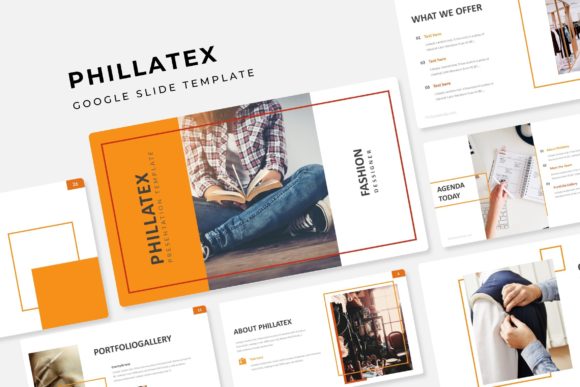
The core appeal of the Phillatex template lies in its sheer volume and versatility. With over 150 total slides included, it moves beyond the standard "title, content, thank you" structure that plagues so many presentations. It is built on a foundation of 30 distinct slide designs, repeated across five premade color variations. This structure acknowledges a reality that many template designers ignore: not every brand uses the same shade of blue, and not every presentation requires the same visual intensity. By offering five distinct color palettes right out of the box, it allows you to select the mood that best fits your specific objective—whether that is a corporate boardroom meeting or a creative agency pitch.
Why Structure Matters More Than Decoration
In the realm of visual communication, structure is the unsung hero. A beautiful image means nothing if it is cropped awkwardly or sits next to a text block that is too small to read. The Phillatex collection prioritizes a "pixel-perfect" approach to layout. This means the grids are strict, the margins are consistent, and the hierarchy of information is established before you even type your first word.
For the entrepreneur or content creator, this translates to instant credibility. When your slides align perfectly, the audience perceives the presenter as organized and authoritative. It creates a subconscious sense of trust. The template achieves this through Master Slides. If you are unfamiliar with this concept, think of it as the DNA of your presentation. By editing the master slide, you can change a font style or adjust a logo placement once, and that change will ripple through the entire 150-slide deck instantly. This feature alone can save hours of manual labor, ensuring your brand identity remains consistent from the opening introduction to the final call to action.
Visualizing Data with Handcrafted Infographics
One of the most challenging aspects of presentation design is data visualization. We have all seen the default Excel charts pasted into PowerPoint—they look generic and often fail to tell a compelling story. The Phillatex template includes handcrafted infographics that transform dry statistics into engaging visual narratives.
Imagine you are a marketing professional presenting social media growth metrics. Instead of a standard bar graph, you have access to custom-designed timeline graphics, process flows, and comparison charts. These are not just static images; they are fully editable vector elements. This means a small business owner can tweak the colors to match their specific brand identity or resize elements to emphasize a particular data point. The ability to use these infographics allows you to maintain visual consistency while presenting complex information in a way that is digestible for your audience.
Practicality for the Modern Creator
The modern design workflow is rarely confined to a desktop computer anymore. We edit on tablets, review on phones, and collaborate in the cloud. The Phillatex template is built natively for this environment. While it includes PPTX files for those who prefer desktop software, its compatibility with Google Slides means it is accessible anywhere with an internet connection.
Furthermore, the technical specifications cater to a professional workflow. The inclusion of a picture placeholder with drag-and-drop functionality is a massive time-saver. You do not need to manually crop images to fit specific frames; you simply drag your photo into the designated area, and the template crops it to the correct aspect ratio automatically. This is particularly useful for social media graphics or portfolio presentations where high-quality imagery is the star of the show.
Another practical consideration is the "Gallery and Portfolio" slide section. For creatives—photographers, interior designers, or branding agencies—this section is invaluable. It provides a structured way to display work without the layout looking cluttered. The section break slides also offer a moment of visual pause, helping to segment your presentation into chapters, which improves audience retention and flow.
Typography and Readability: The Details That Define Quality
A slide deck is only as good as its legibility. A common mistake in presentation design is choosing fonts that look stylish on a poster but become unreadable when projected on a screen. The Phillatex package comes with a "Readme First" guide and links to free fonts. This is a thoughtful inclusion, as it ensures that the typography you see in the preview is exactly what you get.
When utilizing this template, pay close attention to font pairing. The template likely utilizes a mix of sans serif and serif styles to create contrast between headers and body text. This contrast is crucial for readability. For example, using a bold, modern display font for your slide titles grabs attention, while a clean, neutral body font ensures your bullet points are easy to scan from the back of the room. If you decide to swap the fonts for your own brand identity, ensure you test the pairing on a projector or large screen. What looks balanced on your laptop might look cramped on a 60-inch display.
Beyond the Boardroom: Versatile Applications
While the primary function of this asset is a presentation, the utility of 150+ customizable slides extends far beyond a standard pitch. Think of the Phillatex files as a modular design system.
- Web Design Mockups: Use the slide layouts to mock up website wireframes. The grid system is already established, making it easy to map out landing page content.
- Digital Lookbooks: Fashion designers or lifestyle brands can convert the slides into a PDF lookbook to email to buyers.
- Social Media Content: By exporting individual slides as images, you can create a cohesive series of Instagram posts or Pinterest graphics that match your presentation style perfectly.
- Internal Guides: Use the instructional layouts to create onboarding manuals or employee handbooks that look professional and are easy to read.
The resizable and editable graphics are the key here. Because the elements are vector-based, you can repurpose them for print materials like flyers or brochures without worrying about pixelation. This makes the Phillatex template a genuine design asset for your entire ecosystem, rather than a one-time use file.
Finalizing Your Workflow
When you download the package, you will find five distinct PPTX files. I recommend opening each color variation to see which resonates most with your current project. Do not feel constrained by the default color names; the "Edit Master" feature allows you to apply your own hex codes in seconds.
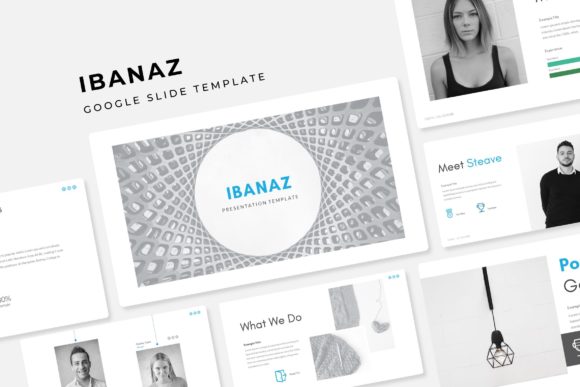
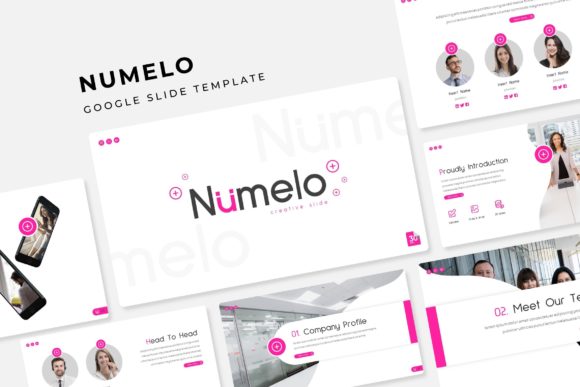
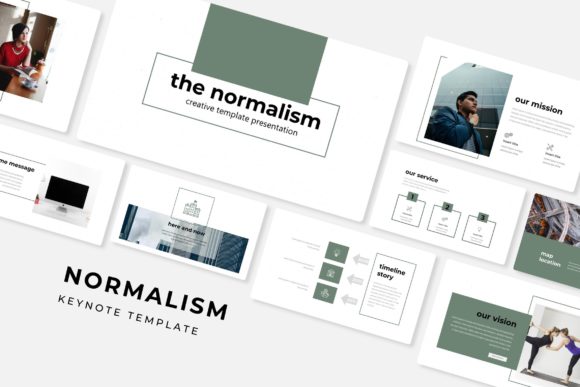
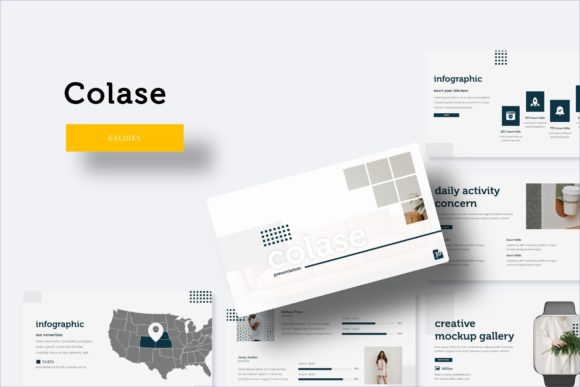
Remember, the photographs used in the preview are placeholders, intended to show you the potential of the layout. When you replace them with your own high-resolution imagery, the deck will transform into something uniquely yours. The strength of the Phillatex Google Slide Template is that it provides the professional scaffolding, allowing your content to take center stage. It is a practical solution for anyone who values their time and understands that a polished presentation is often the first step toward a successful outcome.